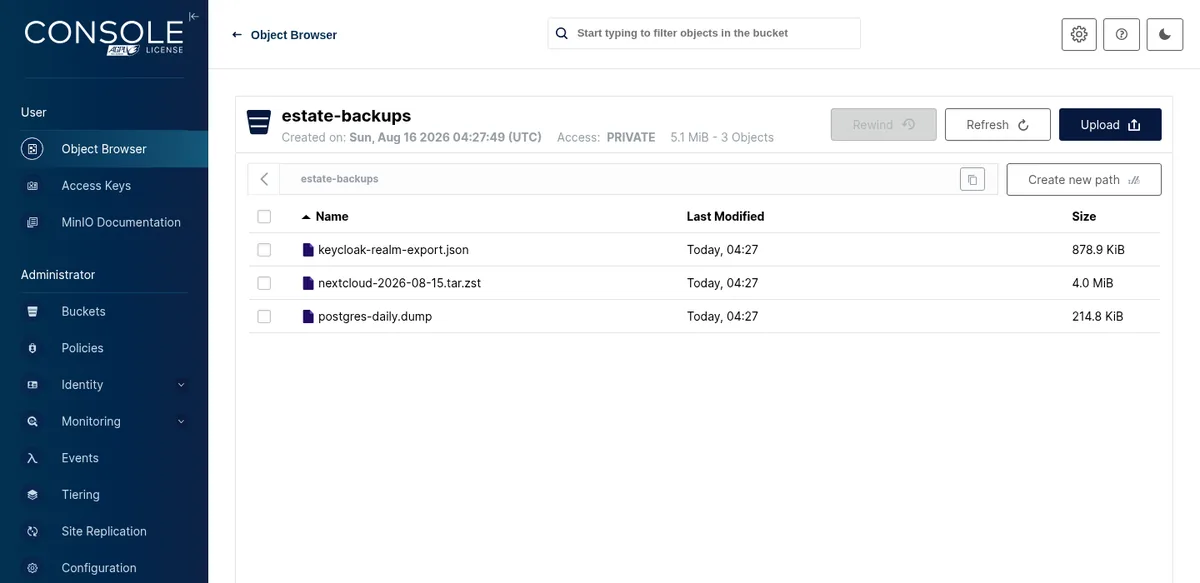
Browsing a private bucket's objects in the admin console
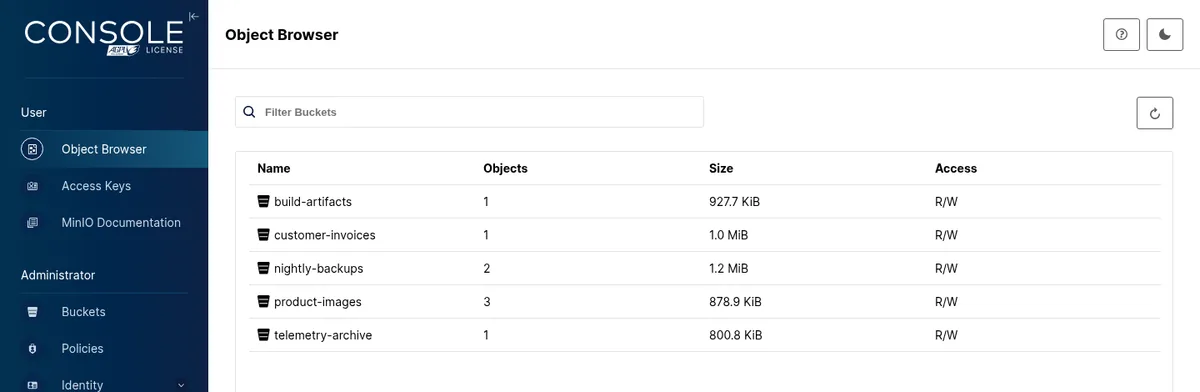
Every bucket on the deployment with its object count, size on disk and access mode
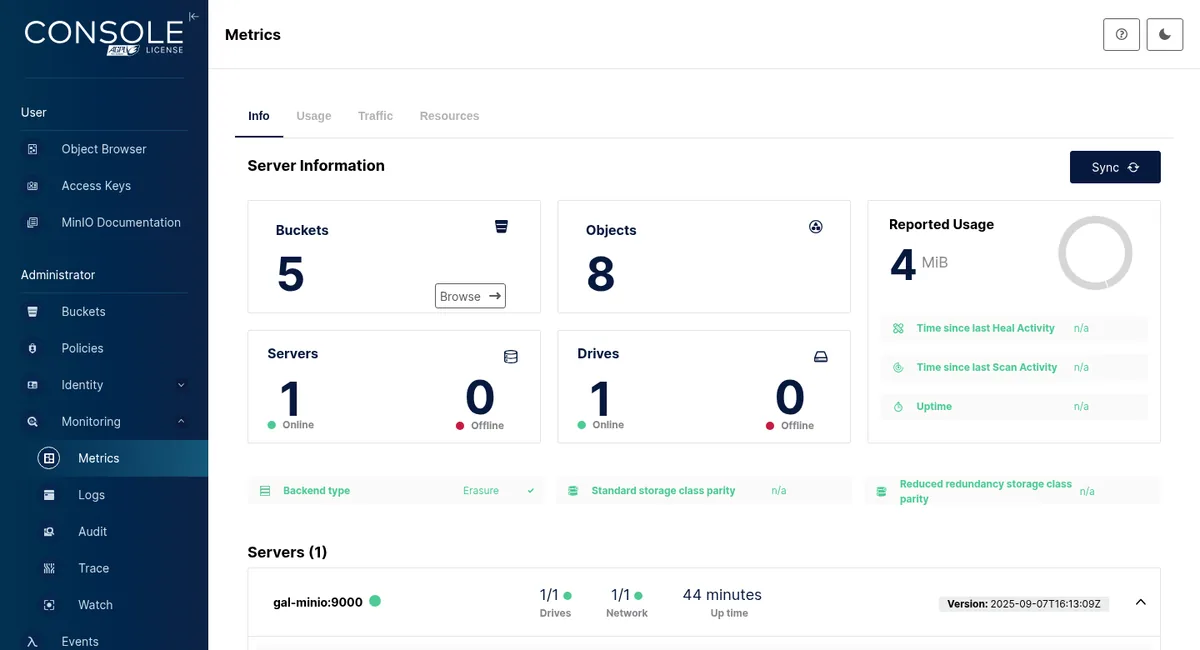
Server metrics: bucket and object counts, drive health and per-node uptime

MinIO
shc install minio
Run this on your own machine. Store install needs a registered cluster on Hobby or above.Copy
The S3 endpoint the rest of your estate plugs into
S3-compatible object storage running on your own disks, with a bucket and a dedicated key minted for every app that asks — so nothing on the estate has to share a credential or reach a cloud provider.
Why install it here rather than rent it
14apps already bind it
Fourteen apps in this catalog already know
One root credential
A key per app
A bucket and a key per consumer
Each consumer gets its own bucket, its own access key and a policy scoped to that bucket
shc install
A bucket
Your workload
Buckets you can install by name
A bucket is itself an installable thing here
You
Your IdP
This app
Single sign-on into the console
In this catalog
Apps that declare an S3 integration14
Command to installOne
Buckets and keys mintedPer app
MinIO high-performance S3-compatible object storage with the community-forked admin console
2025.9.7
VersionStorage
CategoryAGPL-3.0
License · verifiedDocker · Podman · Incus · Apple
RuntimesFlagship
PackagingRatings & reviews
No reviews yetBe the first to say how this runs on your estate.
Write a review